


Learn how to add emotion to text to speech for talking avatar videos—choose a voice style, write for speech, control tone and intensity, and generate multiple versions for natural results.
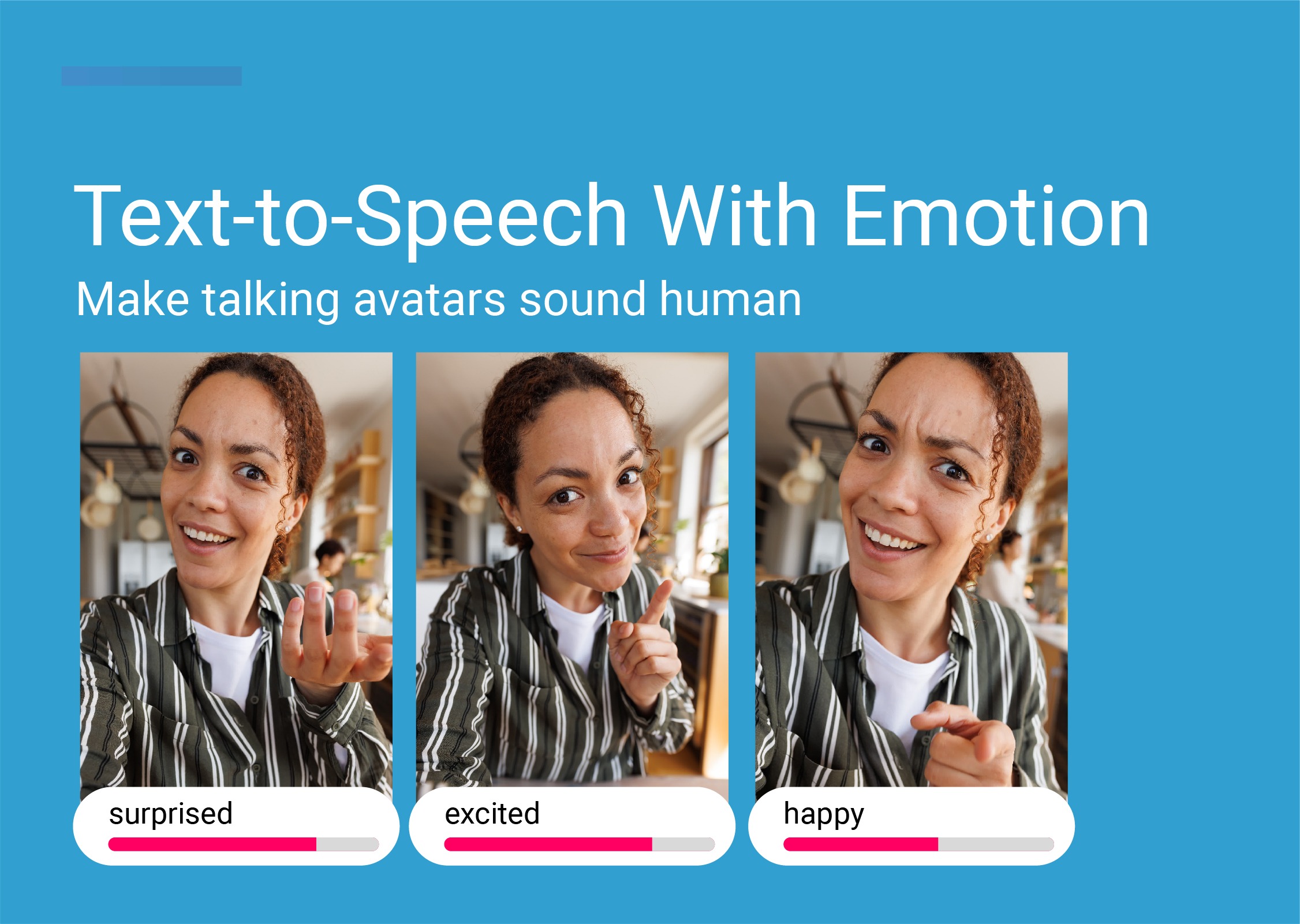
If you’re searching for text to speech emotions, you’re probably not trying to generate any audio. You’re trying to make a talking avatar feel like a real person—with emotional speech, believable tone, and a natural voice that matches the message.
Because in video, voice isn’t just sound. It drives the viewer’s trust, attention, and the avatar’s perceived human emotion. If the delivery is flat, the whole video feels fake—even if the visuals look great.
This guide shows how to direct emotion in text-to-speech (TTS) so your avatar videos sound natural—without hiring voice actors.
Text to speech (also called text to speech TTS) is speech technology that converts written text into spoken words. When people say “text to speech emotions,” they usually mean:
A voice that can express emotion (happy, calm, sad, etc.)
Control over tone, pacing, emphasis, and voice characteristics
Natural sounding speech that doesn’t feel robotic
In other words: an AI voice generator that creates human like voices for video—not just a speech converter.
In audio-only content, a slightly synthetic voice can still be acceptable. In video, it’s harsher: viewers subconsciously compare the voice to the face.
If the voice doesn’t match the facial expressions or the situation, you get:
“uncanny” vibes (even with realistic visuals)
lower watch time on social and YouTube videos
weaker conversions on ads and landing pages
less trust in training videos and e-learning
So the goal isn’t “the perfect voice.” It’s lifelike speech that fits the context.
A practical workflow for most creators looks like this:
Write a short script (10–30 seconds for ads; 30–90 seconds for explainers)
Convert text into a voiceover (TTS)
Choose emotion + delivery style
Generate the talking avatar video
Review and iterate (multiple voice styles, multiple audio versions)
This is where “text to speech emotions” becomes a game changer for content creation.
Before emotion settings, choose a voice that matches:
your audience (B2B vs creator vs e-learning)
your brand (warm vs direct vs playful)
the character (age, energy, confidence)
A natural sounding voice clone can help if you want consistency across many videos, but realistic voices also work well if they match your script.
Most “robotic” TTS comes from scripts that look good on a page but sound unnatural out loud.
Use this checklist:
Short sentences (one idea per line)
Simple words (avoid long, formal phrasing)
Add natural pauses (dots, breaks)
Example:
Written text: “Our platform provides audio versions of your written content for accessibility tools.”
Spoken version: “Want a version people can actually listen to? Here’s the audio.”
If you’re writing for ads, this pairs well with a simple hook-first structure. (If you’re building UGC-style ads, you can also use the workflow in our guide to AI UGC ads that don’t look like AI.)
Emotion should match the intent:
Calm: training videos, onboarding, e-learning
Happy/energetic: ads, product launches, creator content
Serious: compliance, sensitive topics
Surprised: hooks and pattern interrupts
The most common mistake is overdoing it. Subtle emotion usually sounds more natural.
We generated five versions of the line “this actually works” using the same avatar—only the emotion setting changes. This is the fastest way to hear what “text to speech emotions” really means in practice.
Surprised — “this actually works”
Happy — “this actually works”
Sad — “this actually works”
Calm — “this actually works”
Afraid — “this actually works”
As you watch, listen for differences in pacing, emphasis, and energy—and notice how the same sentence can feel like a confident recommendation, a cautious warning, or a genuine reaction. That’s why emotion matters more in talking avatar videos than in audio-only voiceovers.
Want to test this with your own script? Generate 3–5 emotional versions first, pick the most natural one, then build the rest of your video around it.
Try LipSynthesis free (1 minute)
If your tool offers an intensity slider (often called temperature), treat it like seasoning:
Too low: flat, monotone
Too high: exaggerated, unnatural
Pair it with pacing (if your tool offers it):
Faster pacing can feel confident or salesy
Slower pacing can feel thoughtful or trustworthy
Instead of debating one “perfect” take, generate 3–5 variations:
same voice, different emotion
same emotion, different intensity
different voice characteristics (warm vs crisp)
Then pick the one that fits the video.
If you’re creating talking avatar videos, emotion control matters even more—because the voice is what makes the avatar feel present.
In LipSynthesis, emotion controls are available to all users. You can:
convert written text into speech (TTS)
choose a default AI voice (or use your own voice workflow)
adjust emotion and intensity
generate the avatar video and iterate quickly
If you want the LipSynthesis-specific walkthrough (settings + examples), use this guide on How to Direct Your AI Avatar’s Delivery.
If you’re new to avatar creation, you may also like:
Hiring voice actors can be great for flagship brand campaigns. But for most content creation workflows, it’s slow and expensive—especially when you need lots of variations.
TTS with emotional speech is often more cost effective when you need:
frequent updates
many versions for testing
multiple languages for content localization
fast turnaround for ads and social
Can text to speech sound like real humans?
Yes—especially when you pick realistic AI voices, write for speech, and keep emotion subtle. The biggest quality jump usually comes from script pacing and natural pauses.
How many languages can I generate?
That depends on the speech tool you use. If you’re targeting new markets, plan for multiple languages early so your scripts are easy to localize.
Is text to speech free?
Many tools offer a free tier, but speech cost and commercial use limits vary. Lipsynthesis offers 1 minute of free video generations per month.
If you want your avatar videos to feel real, start by directing the voice like a performance—not like a robot reading text.
Ready to see natural delivery on a real human avatar? → Try Lipsynthesis free
See how custom avatars work → Custom AI Avatars guide
By the LipSynthesis Team
We're on a mission to make video creation accessible to everyone—using real people, not CGI. Our platform features hundreds of real human avatars filmed on location, plus custom avatar creation so you can scale your own presence through AI.
Explore our platform at lipsynthesis.com or read more insights on our blog.