AI Tutorial Video Generator for Product Tutorials & Step-by-Step Guides (Real Human Avatars)
Help your customers understand and use your products with clear tutorial videos—step-by-step guides, troubleshooting instructions, and feature walkthroughs. LipSynthesis is an AI tutorial video generator that lets you create human-like “talking head” tutorials with real human avatars—no cameras, no reshoots, no scheduling headaches.
Why Choose LipSynthesis for AI Product Tutorials?

Real Human
Avatars
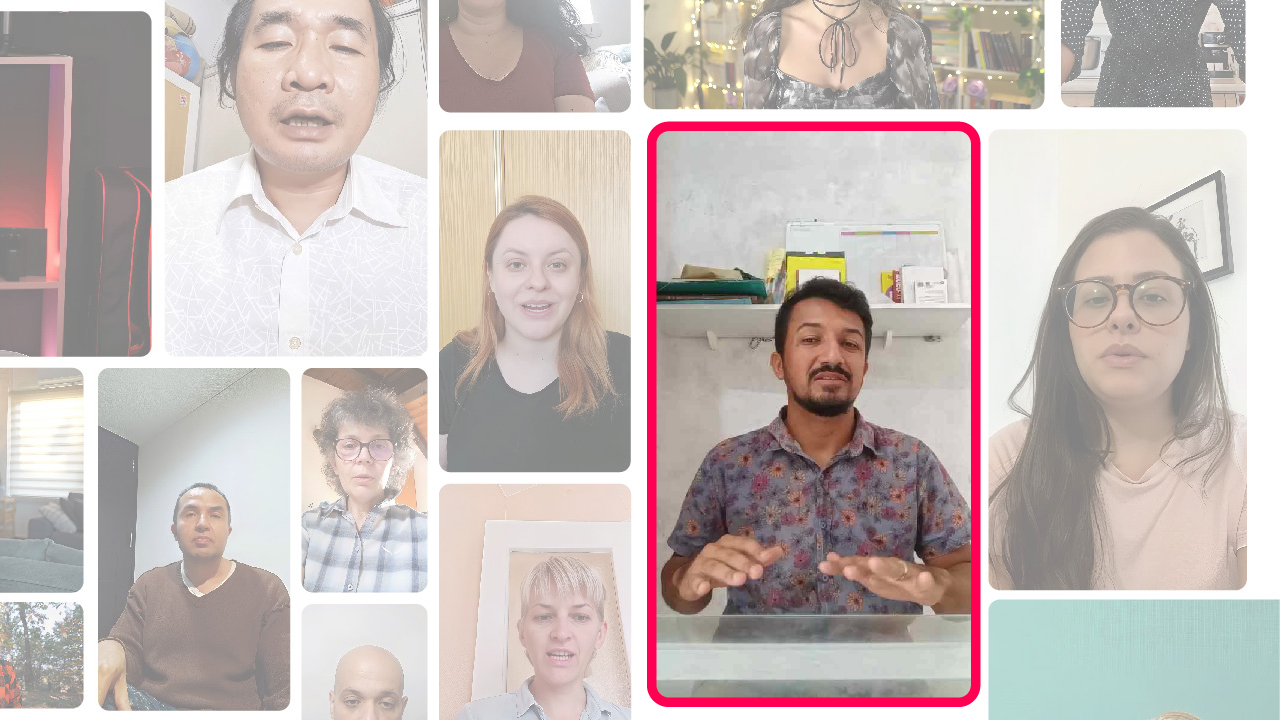
Create tutorial videos with relatable presenters filmed on location—clear delivery that helps learners follow every step.
Unlimited
Video Tutorials
Pro Plan unlocks unlimited tutorial video generation—no credit limits, no minute caps, no bottlenecks.
Multilingual
Support
Create tutorials in multiple languages with accurate lip sync for global teams and customers.
Update
in Minutes
Change steps or features by editing the script—then regenerate the tutorial video fast.
Consistent
Learning Experience
Keep every guide consistent in tone, structure, and delivery across your product and brand.
Share
Anywhere
Download or embed tutorials in help centers, product docs, LMS pages, onboarding emails, or e-commerce listings.
Why LipSynthesis Tutorial Videos Feel More Helpful
Unlike platforms that use CGI-generated faces, LipSynthesis features real people filmed on location—then digitized for AI video generation. The result is tutorial video content that feels clear, approachable, and trustworthy because it’s delivered by a real human face with natural expressions. When instructions feel more human, learners follow steps faster—often leading to higher comprehension and fewer support tickets.
Who Can Benefit?
- SaaS platforms explaining features, workflows, and setup steps
- E-commerce brands guiding customers through product setup and usage
- Electronics & appliance companies demonstrating assembly, installation, and troubleshooting
- Coaches, trainers, and educators creating repeatable step-by-step learning and training videos
How to Create AI Product Tutorials
- Choose your avatar:Select from hundreds of real human avatars or create a custom avatar for your brand
- Write your script:Use your product materials, or get help from AI tools to assist with script writing
- Generate your video:Our AI video generator creates easy-to-follow, step-by-step product tutorials in minutes
- Share instantly:Embed in product docs, LMS, help centers, Shopify/Amazon listings, or onboarding emails
Real-World Examples
Smart Home Brand — Device Setup Made Simple
“First, plug in your smart hub, then download the app to get started. I’ll guide you through each step.”
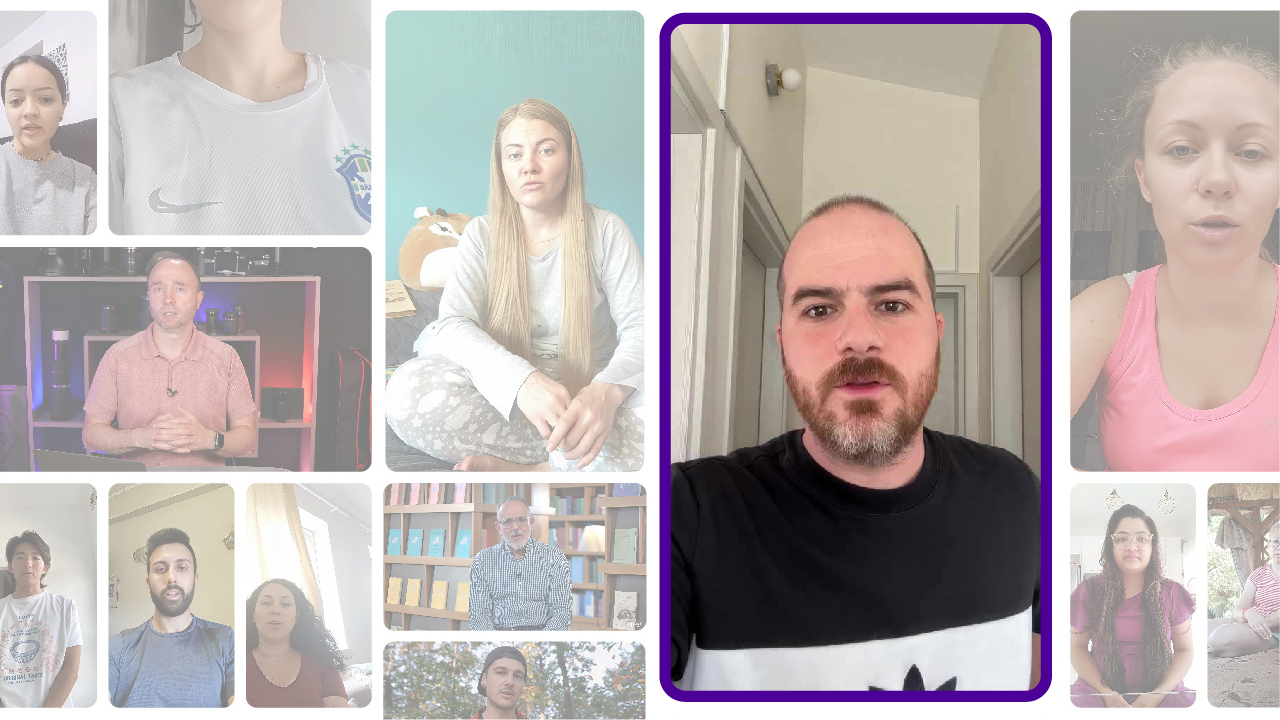
Subscription Box Brand — Unboxing & Usage Guide
“Here’s what’s in this month’s box and how to use each item for the best results. Let’s dive in!”
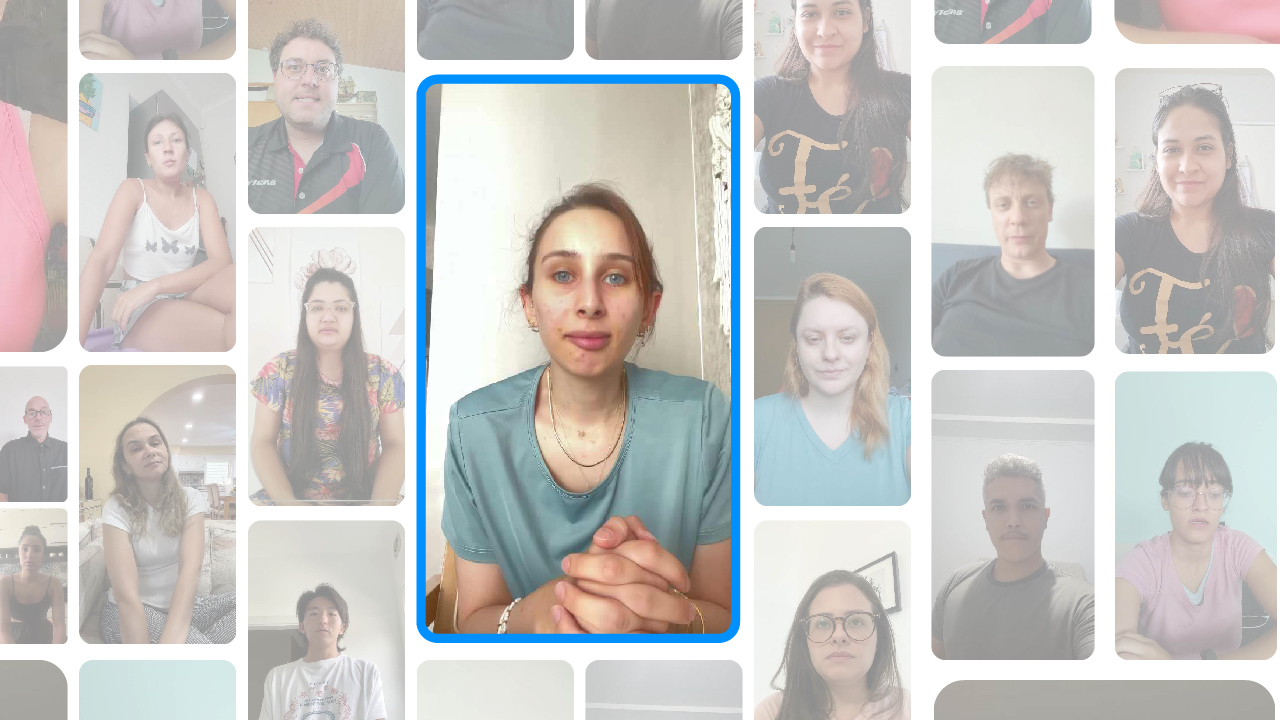
Medical Device Company — Patient Instruction Videos
“Here’s how to use your blood pressure monitor at home. I’ll walk you through the correct cuff placement and reading process.”
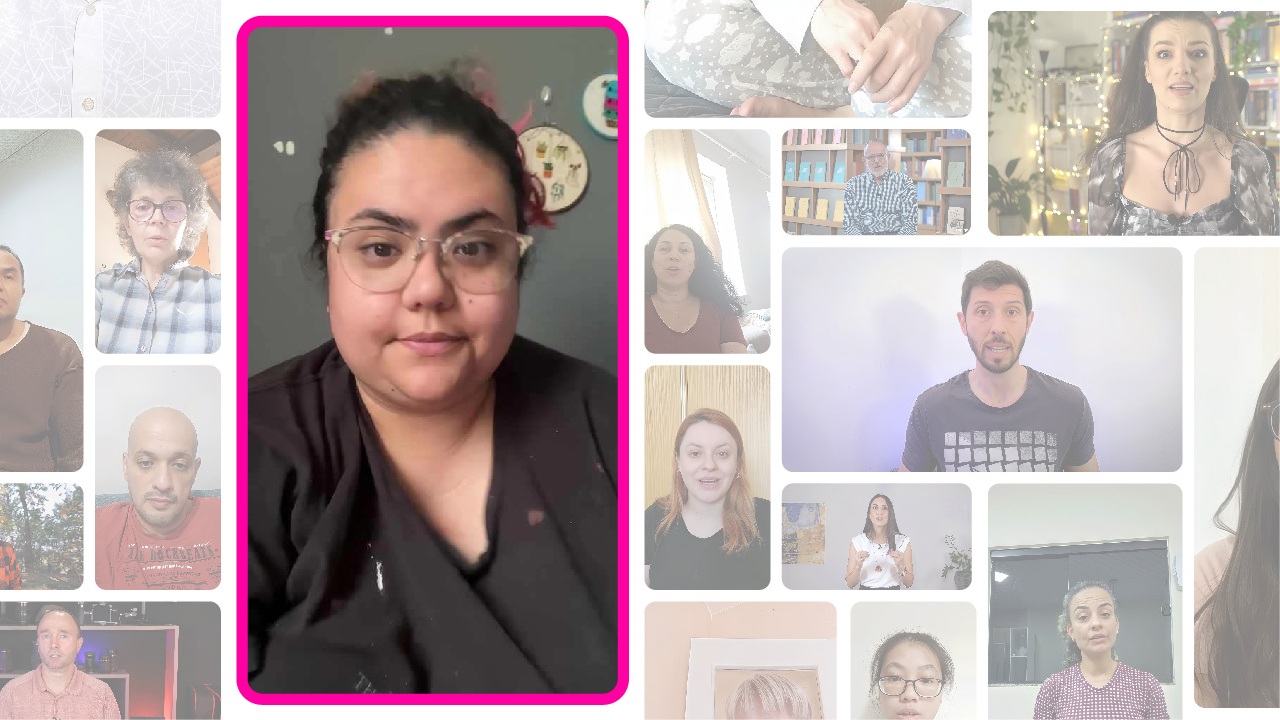
Software Startup — Feature Walkthroughs in Multiple Languages
“Click + button to create a new project, then follow along to customize settings for your workflow.”
Key Features & Benefits of AI Product Tutorials
- Real human avatarsCreate tutorial videos with relatable presenters filmed on location—authentic faces that keep viewers engaged and help instructions land.
- Easy-to-follow stepsTurn complex setup into clear, step-by-step instructions users can follow without confusion.
- Instant product tutorialsGenerate AI product tutorials in minutes—no cameras, no reshoots, no scheduling.
- Text-to-video workflowStart from a script, help doc, or a simple prompt and transform it into a finished tutorial video.
- Consistent learning experienceKeep every guide on-brand and consistent in tone, structure, and delivery across your entire product.
- Diverse avatar libraryChoose from a wide range of real human avatars to match your audience, product, and brand style.
Frequently Asked Questions
Can I reuse old scripts for tutorial videos?
Yes. Convert existing documentation or text-based guides into conversational video tutorials in minutes.
Are these tutorials good for Shopify or Amazon listings?
Yes—tutorial videos can help customers understand setup and usage, which can improve confidence and conversion rates on e-commerce platforms.
Will the avatar sound natural explaining my product?
LipSynthesis uses real people filmed on location, so avatars have natural expressions and a human-like delivery.
Can I create tutorials in multiple languages?
If multilingual is enabled on your plan, you can create tutorials in multiple languages with accurate lip-sync.
How do I choose the right avatar for my tutorial video?
Match your avatar to your audience—tech-friendly for software, approachable for consumer goods, professional for B2B.
Can I update tutorial videos after creating them?
Yes. Edit your script and regenerate the video—no need to re-film or coordinate with video teams.
 * No credit card required