


Unlimited AI video generator plans often hide credit limits—so long videos and regenerations get expensive fast. Here’s what “unlimited” should mean and how LipSynthesis supports real iteration.
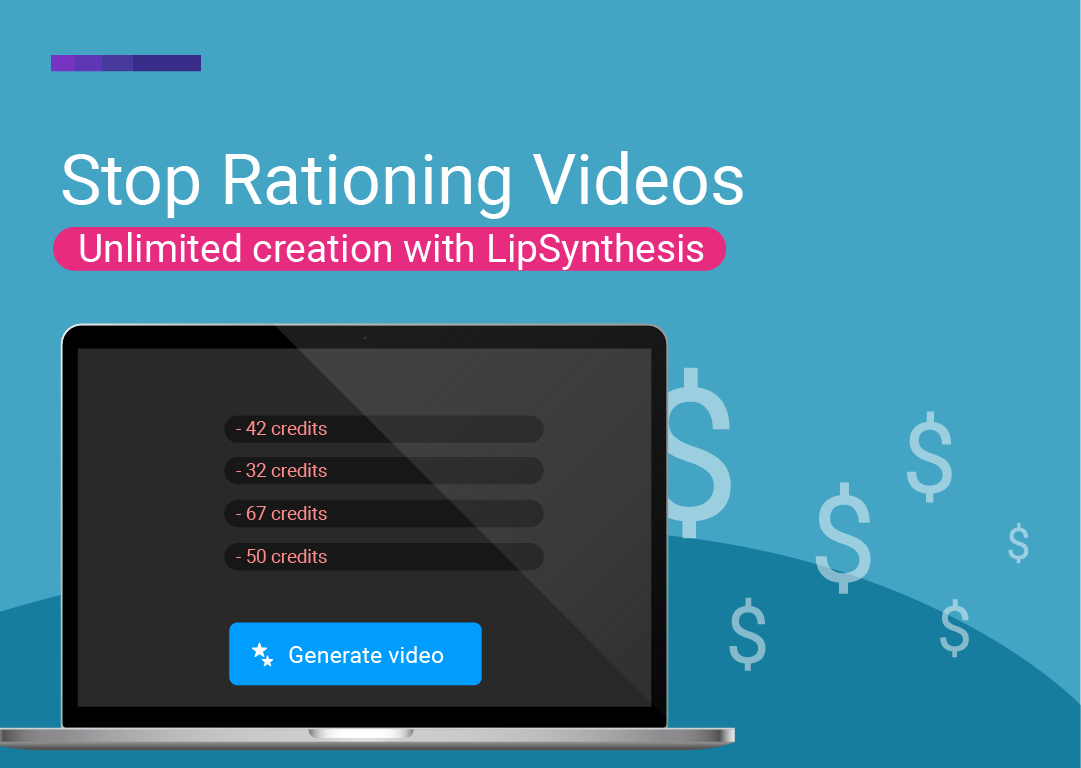
If you’ve ever signed up for an “unlimited” plan… and still felt like you had to ration your attempts — you’re not imagining it.
In AI video generation, “unlimited” often comes with invisible ceilings: credits, minutes, export limits, or feature gates that make you hesitate before you click generate.
This guide breaks down what “unlimited” should actually mean in an unlimited AI video generator, why creators run out of runway fast, and how to choose a plan that supports real output — especially if you’re building long form content.
Most people don’t struggle because they can’t create videos.
They struggle because they can’t create enough versions to get to the one that works.
A real creator workflow looks like:
You write a hook.
You click generate.
The pacing feels off.
You change one line.
You generate again.
You try a different voice.
You generate again.
You tighten the first 2 seconds.
You generate again.
That’s not “wasting credits.” That’s content creation.
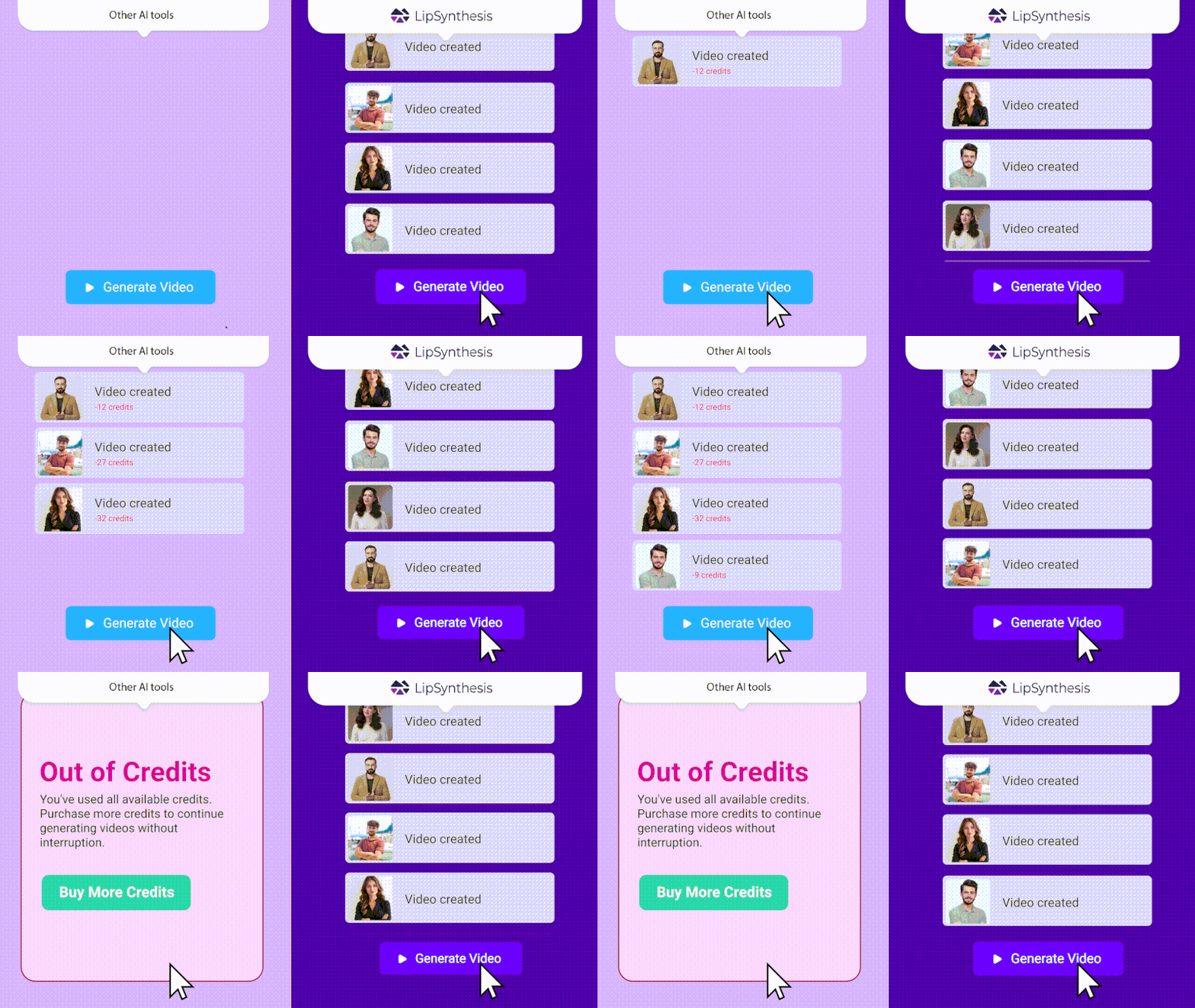
But a lot of other AI video generators price you like iteration is a luxury.
So even if a tool calls itself an “unlimited” AI video generator, the experience can feel like:
“Don’t test too much — you’ll burn minutes.”
“Don’t try a long video — it’s expensive.”
“Don’t regenerate — just accept it.”
And that’s how you end up with fewer videos created… and weaker results.
Short videos are already iterative.
But long form content multiplies everything:
More lines = more chances for a sentence to sound off
More sections = more moments where pacing matters
More edits = more re-renders
If your AI video generator charges per minute (or per credit), long form turns into a constant trade-off:
Do I fix this section — or save credits for the next video?
Do I regenerate for clarity — or just publish it?
That’s not creative control. That’s a budget constraint.
An unlimited plan should remove that pressure.
When people search for an unlimited AI video generator, they usually mean:
I can create videos without constantly watching a counter
I can generate, review, adjust, and regenerate
I can test multiple hooks/angles for ads
I can keep going until the video is ready to share
I can build longer videos without feeling punished for it
Here’s the practical checklist.
Generate unlimited videos without buying extra credits
Iterate freely (multiple versions, not one “final” attempt)
Create short videos and long videos when you need them
Keep generating until the video is actually ready
Use the tool for real commercial use and commercial purposes
Credits that refill monthly (so you still ration)
Minutes that disappear fast (especially for long video)
“Professional quality” exports locked behind higher tiers
Restrictions on features (voice, editing, or commercial projects)
If you’re serious about output, the question isn’t “Is it unlimited?”
It’s: Does it support the way creators actually work?
A free AI video generator can be useful — but it’s rarely enough time to build a workflow.
Because your first session isn’t about “stunning videos.” It’s about getting your process right:
writing for video
finding a voice that fits
learning pacing
figuring out what to change when something feels off
That’s why “free AI video” trials often create a false impression:
you generate 1–2 videos
you run out of free minutes
you never get to the iteration part
If your goal is real output — ads, product demonstrations, onboarding clips, social posts, or long form content — you need enough room to experiment.
If you’ve been comparing tools, you’ve probably noticed that “AI video generator” can mean totally different things.
Some platforms are built for text to video: you write text prompts (or longer text descriptions) and the system tries to generate complete videos with scenes, motion, and a cohesive look. Newer releases (like Google Veo and other video model tools) are pushing this forward fast — especially for cinematic motion, advanced visual effects, and more stylized “complete stories.”
Other tools are closer to image to video. You start from a single image (or a reference image) and generate motion from that — useful when you want a consistent visual style, want to change lighting, or need quick variations from product photos.
And then there are video makers that feel more like an editing suite: a stock footage library, templates, and timeline-based editing — great for assembling social posts quickly, but not always ideal when you need to generate lots of original variations.
That’s why the best AI video generator depends on what you’re creating:
If you need cinematic scenes and “complete stories,” you’ll care most about visuals, motion, and how well the model follows prompts.
If you need output — ads, product demonstrations, onboarding clips, creator-style social posts, and long form content — you’ll care most about speed, consistency, and how many versions you can produce.
Here’s the part most people only learn after they start generating: in many tools, ai video generation costs stack up quickly. Long videos, re-renders, tiny fixes, and “just one more try” can burn through a free trial in minutes.
So when we say LipSynthesis is an unlimited ai video generator, the selling point isn’t “stunning videos” for the sake of it — it’s that you can keep creating without feeling like every click is a cost. Try it for yourself (1 minute free).
LipSynthesis is an ai video maker designed for creators who want to generate a lot — without constantly doing credit math.
You write your script (or start from AI text), choose your settings, and generate.
Then you do what real creators do:
tighten the hook
swap a line
adjust pacing
change the voice
regenerate
Long form content isn’t one generation.
It’s a chain of small improvements:
you rewrite the intro so it hooks faster
you re-record or change a voice so it’s easier to follow
you regenerate a section because one sentence sounds robotic
you create multiple versions for different audiences
If your tool limits you, long form becomes stressful.
Unlimited creation makes it practical.
With an unlimited workflow, you can:
Generate unlimited videos for testing hooks and angles
Create longer videos without being afraid of re-renders
Iterate until the pacing feels right
Build a repeatable content engine (not a one-off video)
If you want to generate more videos, don’t aim for perfection on the first try.
Aim for a repeatable loop:
Outline the video (intro → 3 points → close)
Write 2–3 hook options
Generate versions and pick the best structure
Regenerate the first 10 seconds until it’s tight
Create variations for different audiences (global audiences, different use cases, different platforms)
This is how creators get volume and quality.
And it’s also why unlimited matters: you need room to test.
Before you commit, check these:
Are there hidden credits or minute caps?
Does the plan support long video creation, or does it get expensive fast?
Can you generate multiple versions without penalties?
Is commercial use included for ads and client work?
Do you get creative control (voice, pacing, tone) without upgrading again?
If the plan makes you hesitate before you click generate, it’s not really unlimited.
Can I add voiceovers?
Yes. LipSynthesis supports voice options so you can generate videos with voice built in.
Is this a text-to-video or image-to-video tool?
LipSynthesis is designed for script-driven video creation where iteration speed matters.
If you’re looking for pure text-to-video scene generation (or pure image-to-video cinematic motion), those are different categories of tools — often powered by a general video model.
Why do other AI video generators feel expensive so fast?
Because video generation isn’t one action — it’s usually multiple attempts.
You generate, spot a mistake, regenerate. You change the hook, regenerate. You try a new voice, regenerate.
And if the tool uses a credit-based system, each of those attempts is basically a charge — which is why “free AI video” trials disappear fast.
That’s also why unlimited creation matters if you’re serious about content — or you need long form content.
Ready to stop rationing your content?
If you want an unlimited AI video generator that’s built for iteration — and actually supports long form content — try LipSynthesis.
Free plan: 1 minute to test the workflow
Pro plan: unlimited generation (one concurrent video at a time)
Try LipSynthesis free (1 minute) → Sign up now
By the LipSynthesis Team
We're on a mission to make video creation accessible to everyone—using real people, not CGI. Our platform features hundreds of real human avatars filmed on location, plus custom avatar creation so you can scale your own presence through AI.
Explore our platform at lipsynthesis.com or read more insights on our blog.