


Learn how to connect ElevenLabs token to your Lipsynthesis account
Currently, LipSynthesis has limited built-in language support for voice generation. However, our video rendering model is trained on a wide variety of languages. By connecting your ElevenLabs API, you can generate videos with voices in multiple languages and unlock significantly more flexibility.
Follow the steps below to set everything up properly.
Log in to your ElevenLabs account.
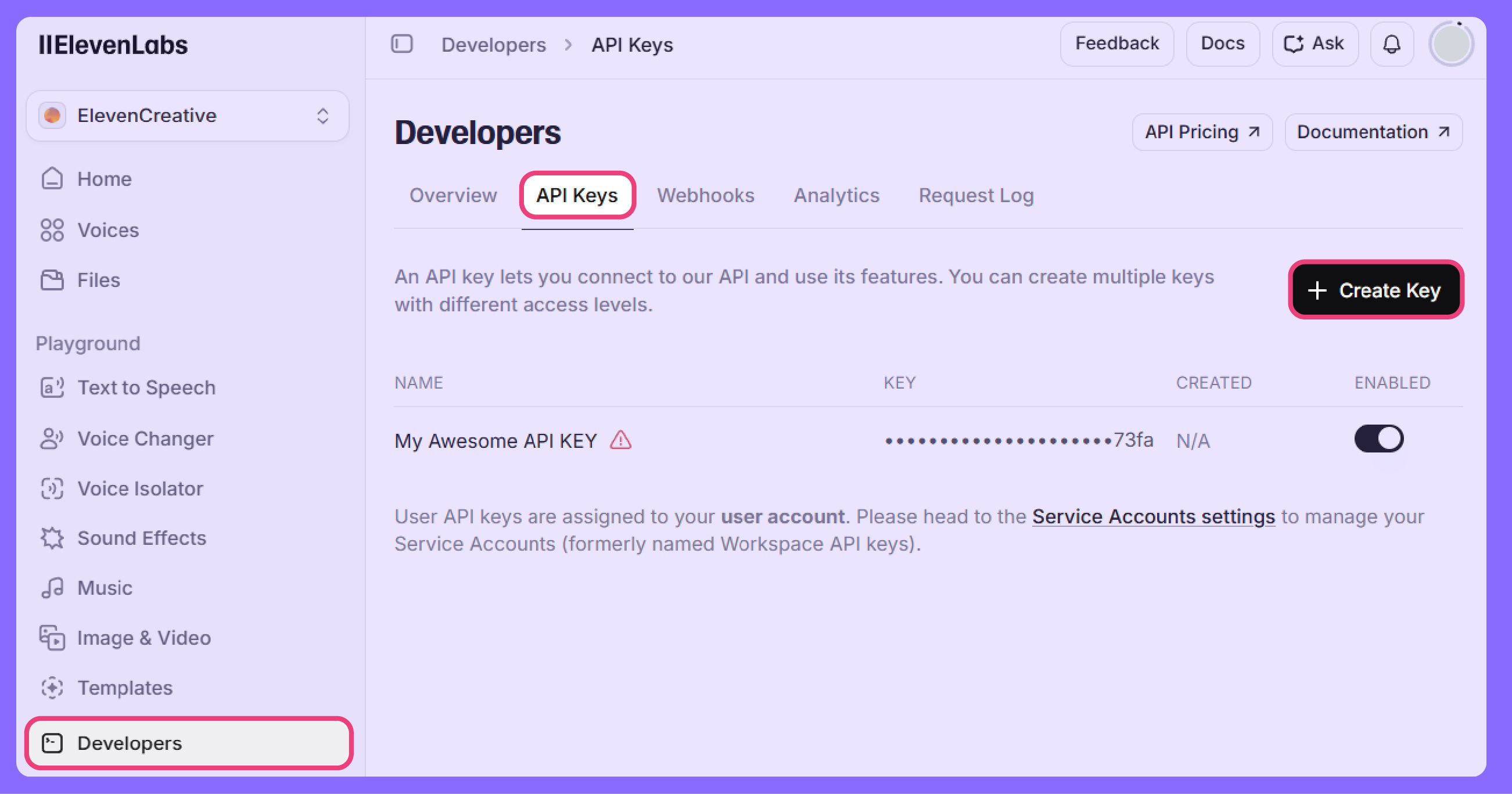
Navigate to Developers → API Keys.
Click Create Key.
When creating your key:
Make sure “Restrict key” is unchecked to allow all required functions.
Or if you choose to restrict the key, ensure the following permissions are enabled:
Text to Speech
Voices
Voice Generation
Models
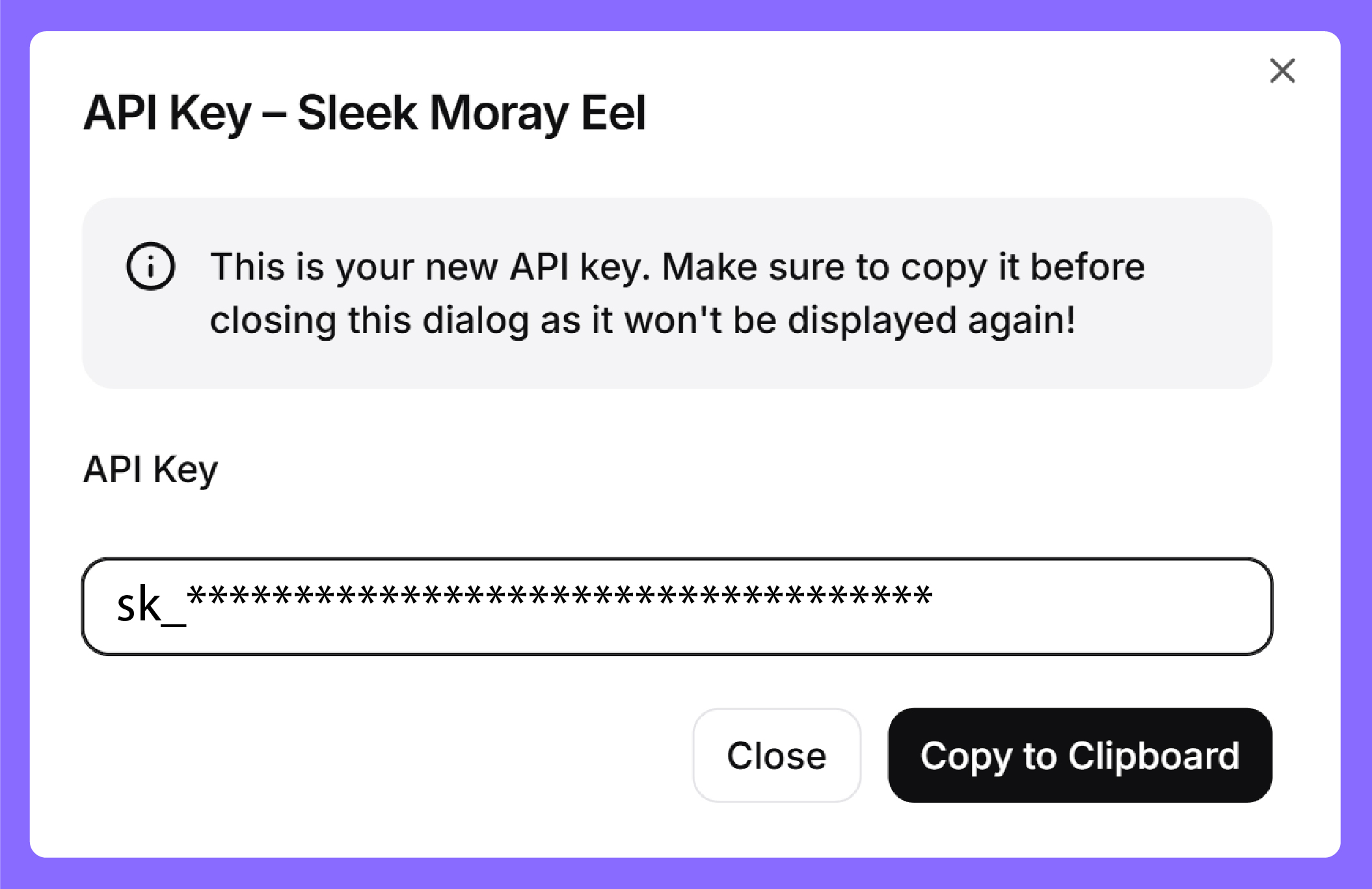 Security Reminder
After generating your key:
Copy it to your clipboard.
Keep it private.
Do NOT share it publicly or post it online.
Your API key provides access to your ElevenLabs account features.
Note: This feature is available for paid accounts only.
Log in to your LipSynthesis account.
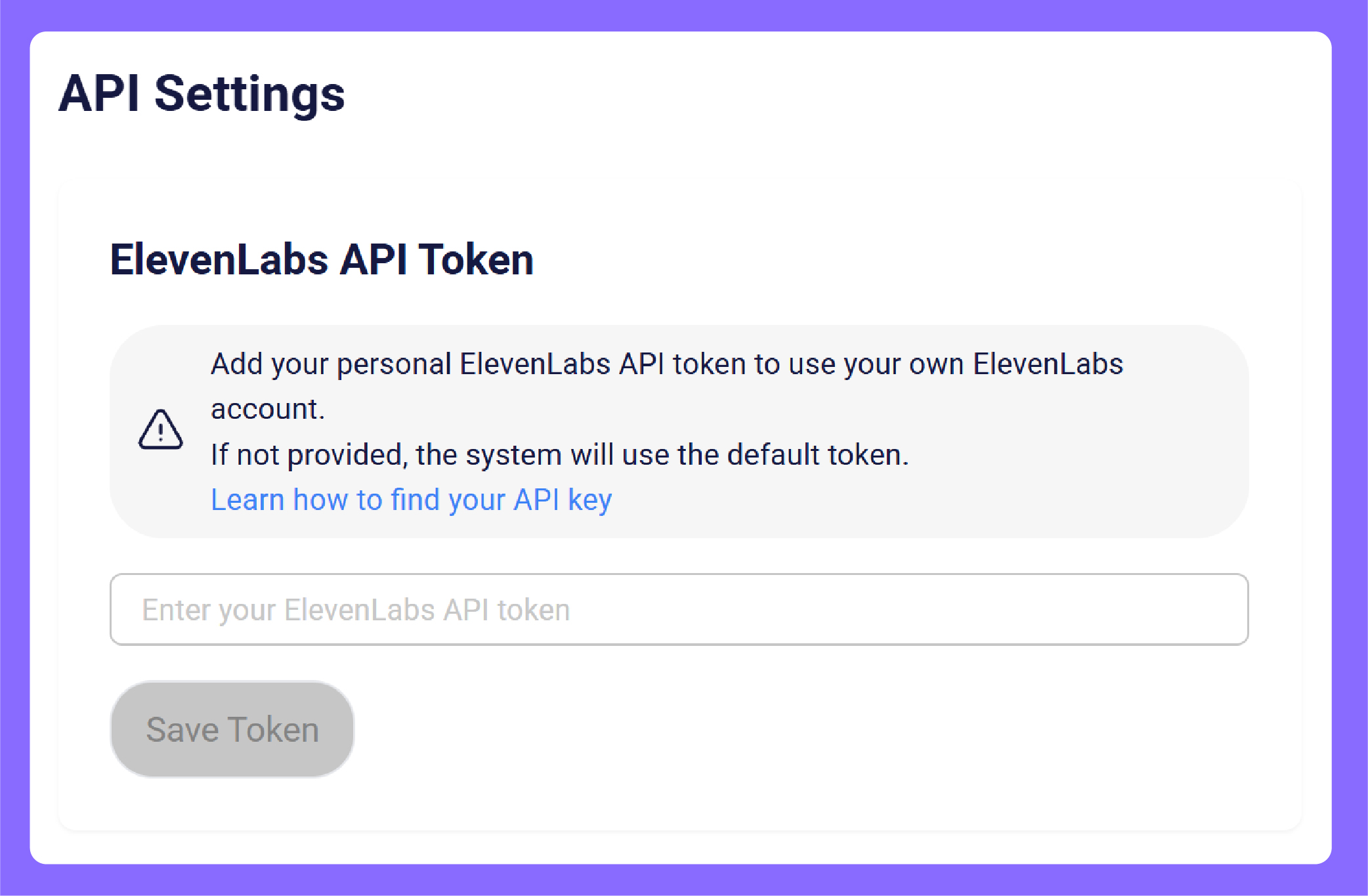
Go to My Cabinet → API Settings.
Paste your ElevenLabs API key into the designated field.
Click Save Token.
 That’s it — your accounts are now successfully connected.
Navigate to Avatar Generations.
Select your preferred voice from your connected ElevenLabs account.
Generate videos in multiple languages with enhanced voice quality.
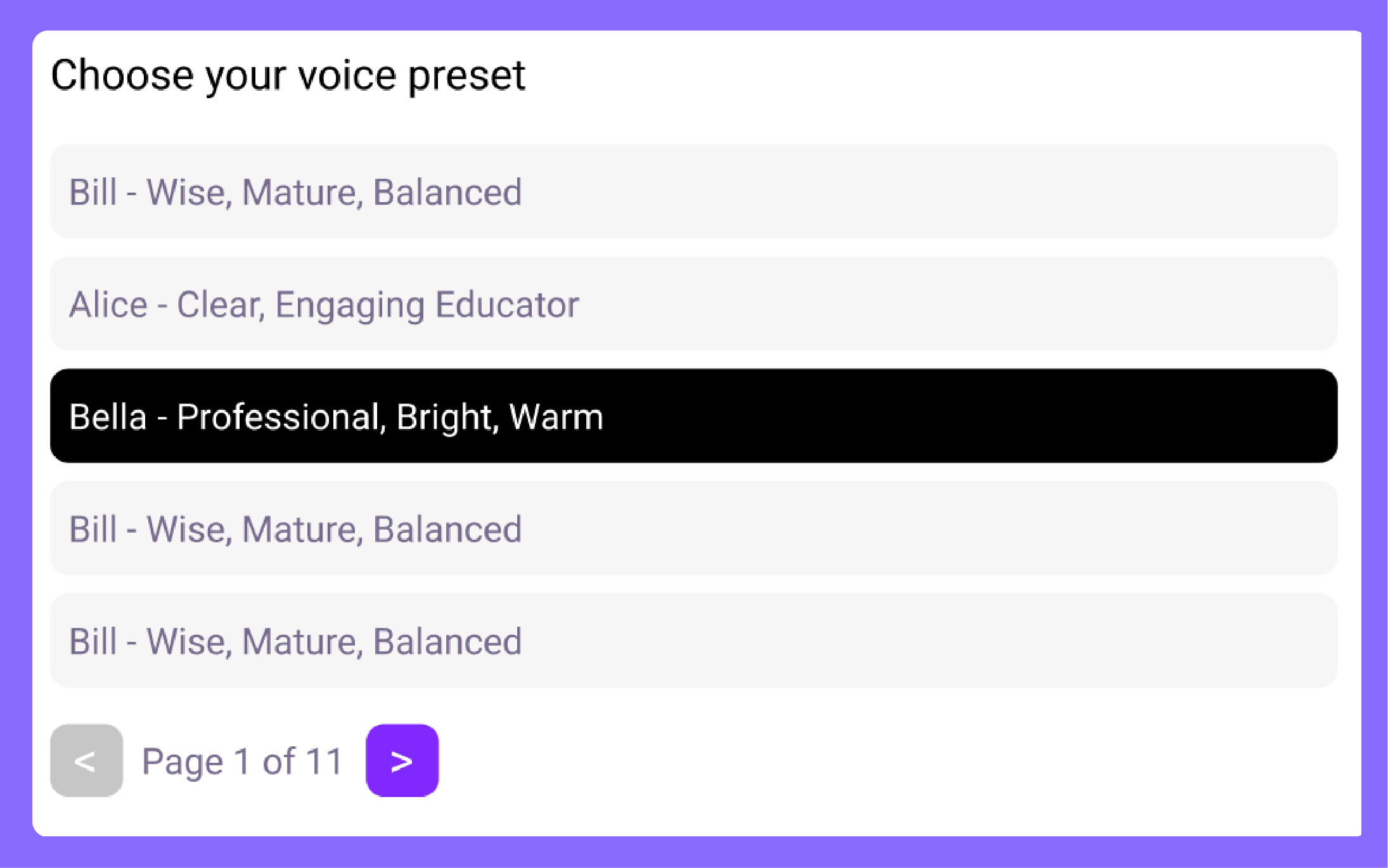 You can now safely use your saved ElevenLabs voices directly inside LipSynthesis.
Thank you for reading.
Happy generating!