


Learn how to create natural AI lip sync talking avatar videos—choose the right avatar, upload audio or use your own voice, and fix common lip movement issues for lifelike results.
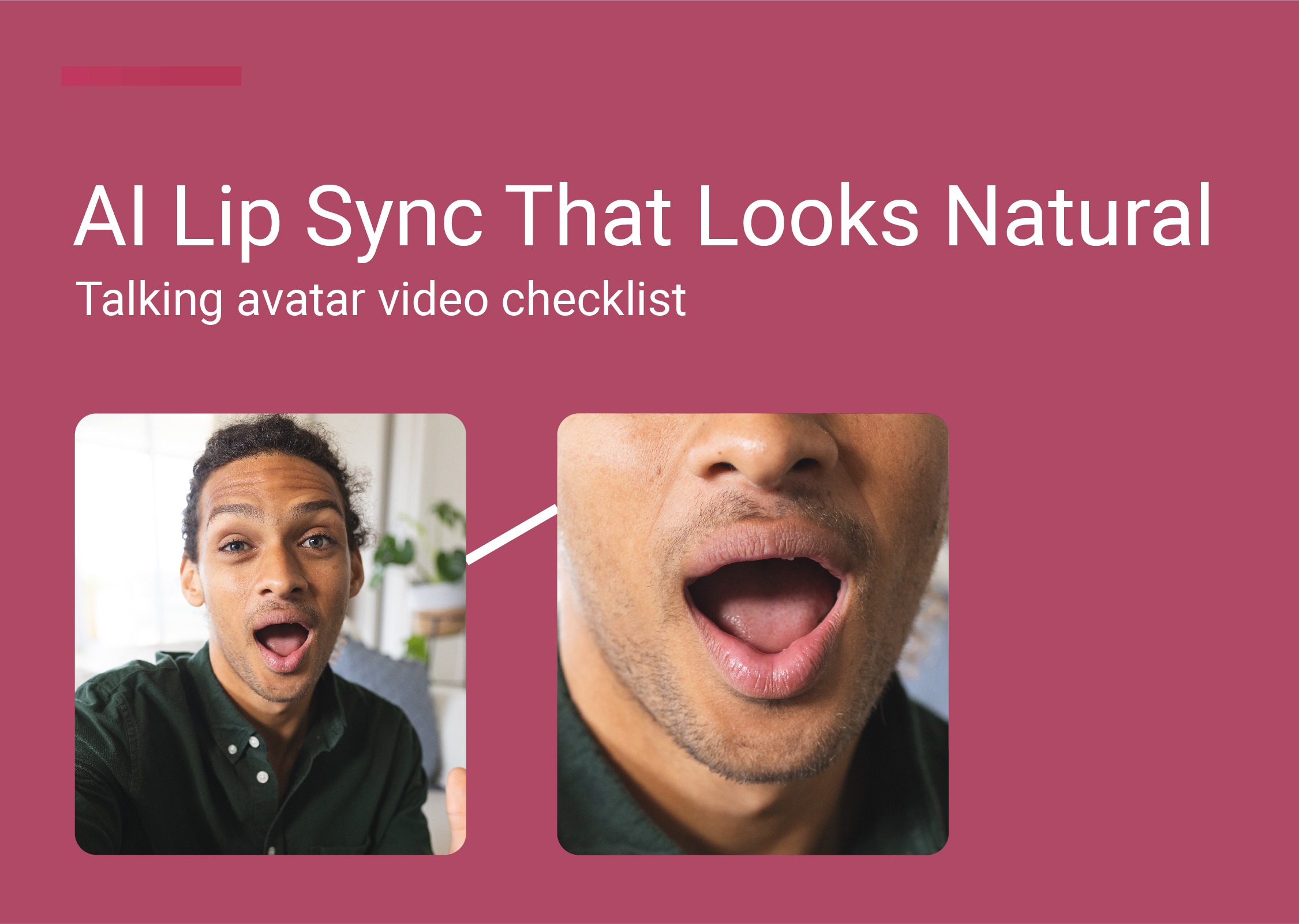
AI lip sync is one of the fastest ways to turn a script (or an audio file) into a talking video—without filming. But if you’ve ever tried a lip sync video generator and ended up with stiff facial expressions, odd mouth shapes, or the speaker’s lips not matching the audio track, you already know the difference between “good enough” and natural lip sync.
This guide focuses on talking avatar videos—and how to get lifelike lip movements and natural facial movements that feel like real humans, not a cartoon.
Lip sync AI (also called AI lip syncing or lip synchronization) uses artificial intelligence to match lip movements to an audio track or voiceover. In practice, it’s used for:
Personalized video messages (sales outreach, onboarding, support)
Training videos and e-learning (repeatable explainers)
Video content for ads and social
Content localization: multiple languages, new audiences, different markets
If you’re making avatar videos, the goal isn’t “perfect lip sync” in a technical sense—it’s natural results that viewers trust.
Here’s the simple process most AI lip sync tools follow:
Choose an avatar (or upload a video to create one)
Add audio (type a script or upload audio)
Adjust voice settings (tone, pacing, language)
Click generate
Export/download the video file
Sounds easy—but quality depends on a few key choices.
For the most natural movement, start with avatars based on real humans.
At LipSynthesis, that's the whole point: our stock avatars are real people filmed on location (not CGI faces), so you get natural facial expressions and a more believable on-camera presence: especially for ads, onboarding, and training.
Real human videos (filmed people) tend to produce more believable facial expressions
AI generated avatars can work, but often look more “animated”
Animated characters and cartoon characters are fine if your brand style is playful—just don’t expect them to feel like real human presence
If your goal is trust (ads, onboarding, training), prioritize real humans and natural facial expressions.
You usually have two options:
Type a script and generate a voice
Upload an audio file (your own voice, a voiceover, or a recorded track)
If you want consistency across a brand, using your own voice (or voice cloning) can be a game changer—especially for personalized video messages.
Even the best lip sync technology struggles with messy audio.
Checklist:
Keep background noise low
Avoid music under speech (unless it’s very quiet)
Speak clearly—don’t rush
Use natural pacing (short sentences help)
If you’re using a generated voice, choose one that matches your audience and product style.
Natural lip sync is about more than the lips.
Look for:
Clear mouth shapes on consonants (P/B/M/F/V)
Smooth transitions between words
Natural facial expressions (not frozen)
Lifelike lip movements that match emphasis
If the speaker’s lips feel off, it’s usually one of these:
Audio pacing is too fast
Pronunciation is unclear
The script is too dense
The best workflow is: generate — review — tweak — regenerate.
To get higher quality:
Shorten the script
Adjust pacing/tone
Try a different voice
Try a different avatar
This is how you get from “lip sync video” to natural results.
If you’re expanding into multiple languages, AI lip sync can help you reach new audiences and different markets faster.
A practical approach:
Create the original video
Create a new audio track in a new language
Generate a localized version
This is content localization without re-filming.
If your video has multiple speakers or multiple faces, keep each segment clean:
One speaker per clip
Separate audio tracks
Clear cuts between speakers
Trying to force one continuous clip with multiple speakers often reduces lip synchronization quality.
Some tools can dub videos by replacing the audio track. Results vary depending on the original footage and face angle. For talking avatar videos, it’s usually easier to generate from scratch.
Long, complex sentences (hard to match mouth shapes)
Audio with noise or echo
Overly “robotic” voice settings
Choosing avatars that look too animated for your brand
Expecting one take to be perfect—instead of iterating
If you want lip sync AI that feels human, start with real people—not CGI.
With LipSynthesis, you can create talking avatar videos using real humans filmed on location, then simply upload your script or add audio, click generate, and export your video files. Plus, one take doesn't need to be perfect, because our Pro Plan let's you generate without limits (unlimited video creation).
Try LipSynthesis free (1 minute) → Sign up now
See How Custom Avatars Work → Custom AI Avatars guide
By the LipSynthesis Team
We're on a mission to make video creation accessible to everyone—using real people, not CGI. Our platform features hundreds of real human avatars filmed on location, plus custom avatar creation so you can scale your own presence through AI.
Explore our platform at lipsynthesis.com or read more insights on our blog.