


New to AI avatars? Discover 7 mistakes to avoid and how to create a more realistic, engaging digital version of yourself (or your team member).
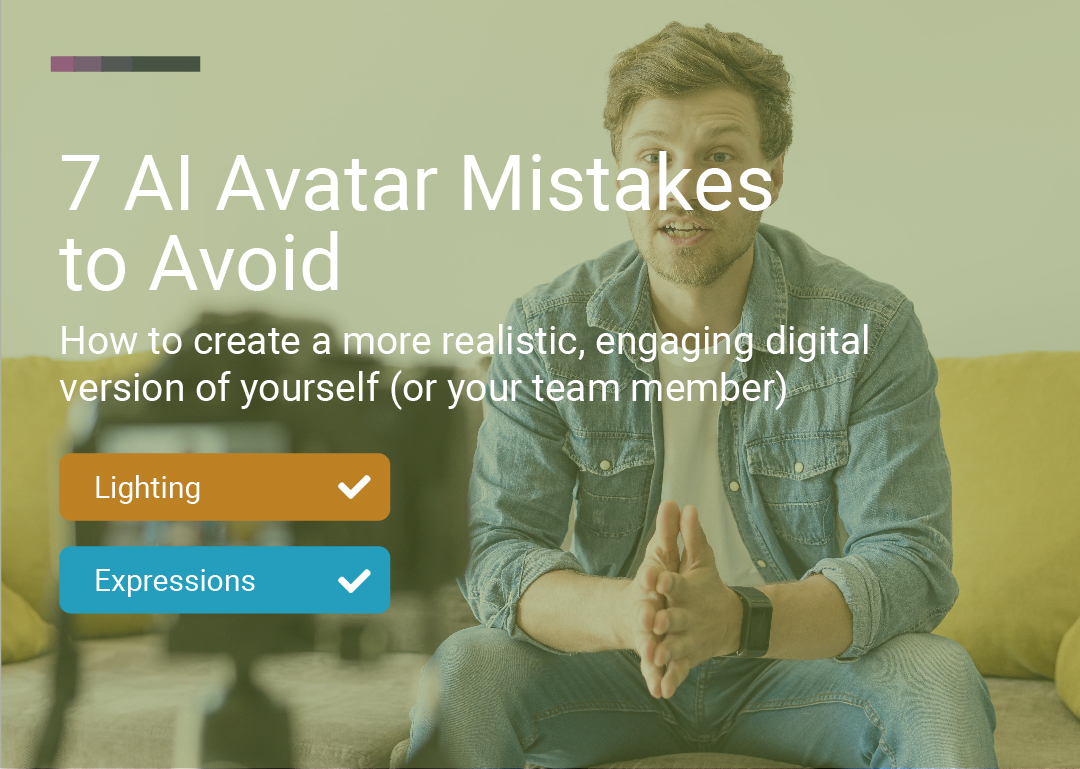
Creating your first AI avatar can be both exciting and intimidating—especially when you want your digital presence to look authentic, trustworthy, and professional. Whether you’re a marketer, educator, or content creator, your avatar will often be the face of your brand or message. Yet, even small mistakes in the setup process can lead to unnatural results, wasted time, or a digital double that just doesn’t feel right.
With the right approach, anyone can create a realistic and engaging AI avatar. That’s why we’ve rounded up the 7 most common mistakes beginners make (and how to avoid them), so you can get it right the first time and confidently step into the world of AI-powered video.
AI avatars are revolutionizing video creation for marketing, education, social media, and more. With the right setup, you can produce lifelike, engaging videos at scale—without being on camera every time. But your avatar is only as good as the input you provide. That’s why understanding and avoiding these mistakes is crucial for anyone starting out.
Mistake: Uploading low-resolution, blurry, or noisy footage.
Why it matters: AI models need clear data to accurately replicate your look and voice. Grainy video or muffled audio can result in an avatar that appears unnatural, robotic, or hard to understand.
How to avoid: Use a high-resolution camera or smartphone, ensure your environment is quiet, and check your footage before uploading. Good lighting and a steady camera make a huge difference.
Mistake: Speaking with minimal mouth movement or monotone expression.
Why it matters: Avatars rely on facial movement data to sync lips and convey emotion. Without visible, expressive speech, the result can feel flat or “off.”
How to avoid: Enunciate clearly and use natural facial expressions. Don’t be afraid to exaggerate just a bit—AI captures nuance best when it’s visible.
Mistake: Filming in a dark room or with cluttered backgrounds.
Why it matters: Shadows can obscure features, and busy backgrounds can confuse the AI, leading to artifacts or focus issues.
How to avoid: Choose a well-lit, neutral space. Natural daylight or soft, even lighting works best. Keep the background simple so you’re the focal point.
Mistake: Glasses with glare, hats, large jewelry, or heavy makeup.
Why it matters: Anything that blocks or distorts your facial features will reduce the realism and accuracy of your avatar.
How to avoid: Remove hats and non-essential accessories. If you wear glasses, use anti-reflective lenses or remove them for the recording. Use makeup sparingly.
Mistake: Ignoring platform requirements for video length, framing, or file format.
Why it matters: Each AI avatar platform has specific technical needs to ensure smooth processing and high-quality results. Skipping these can lead to failed uploads or subpar avatars.
How to avoid: Check the instructions for your chosen tool—pay attention to video resolution, duration, framing (face centered, clear), and file type. A few extra minutes here can save hours later.
Mistake: Reading too quickly, stumbling, or not preparing your script.
Why it matters: AI learns from your performance. If you rush, mumble, or sound unnatural, your avatar will too.
How to avoid: Write a script and practice it. Record a few takes, watch them back, and pick the clearest, most confident version. Taking your time pays off in quality.
Mistake: Assuming your first attempt will be flawless.
Why it matters: Like any creative process, creating an AI avatar video is iterative. Your first version might feel slightly “off”—maybe the pacing isn’t right, the script doesn’t sound like you, or the avatar you picked doesn’t match the vibe you want. That’s normal. The best results usually come from small tweaks and repeated testing, not a single perfect take.
How to avoid: Treat your first video as a starting point, not the final product. Experiment with different scripts, hooks, and tones—and don’t be afraid to try a few different avatars until you find the one that truly resonates with your audience.
This is where LipSynthesis is especially helpful: with the ability to generate as much as you want (without strict limits), you can iterate properly—test variations, compare results, and improve fast. You don’t have to settle for the first script you wrote or the first avatar you picked. Keep experimenting until it feels natural, authentic, and “you.”
Avoiding these mistakes isn’t just about technical quality—it’s about building trust, credibility, and connection with your audience. The right AI avatar can boost engagement, save you hours of production time, and help you scale your content or brand in ways traditional video often can’t.
Most importantly: don’t treat your first result as the final one. Take the time to get your setup right, test different scripts and avatars, and iterate until it feels natural and on-brand. With LipSynthesis, you can generate as much as you want—so you’re free to experiment, compare variations, and land on the version that truly resonates.
Your digital presence—and your viewers—will thank you.
By the LipSynthesis Team
We're on a mission to make video creation accessible to everyone—using real people, not CGI. Our platform features real human avatars filmed on location, plus custom avatar creation so you can scale your own presence through AI.
Explore our platform at lipsynthesis.com or read more insights on our blog.